Sunday evening is yours again.
The promise
Preparation in minutes, not hours.
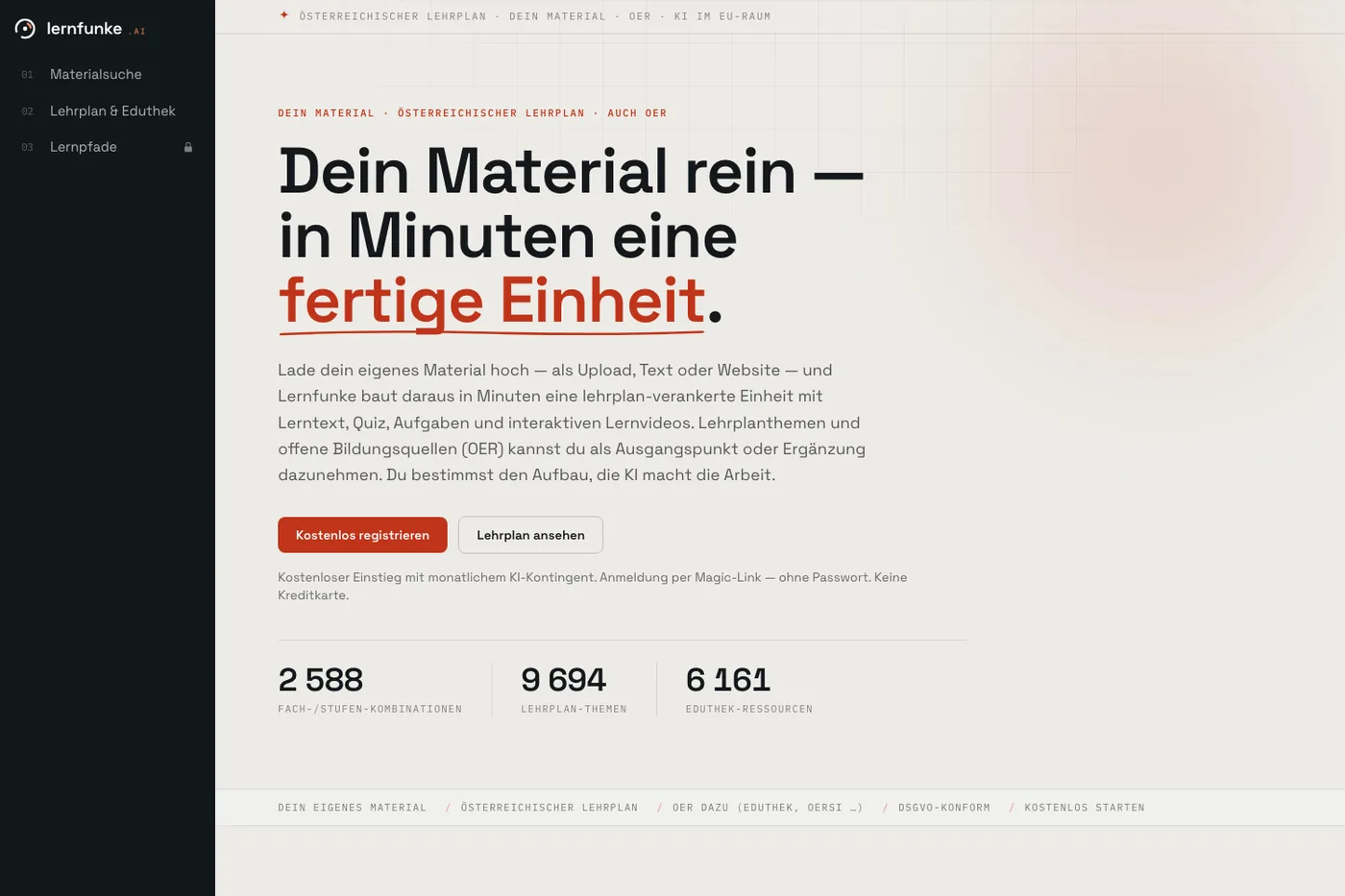
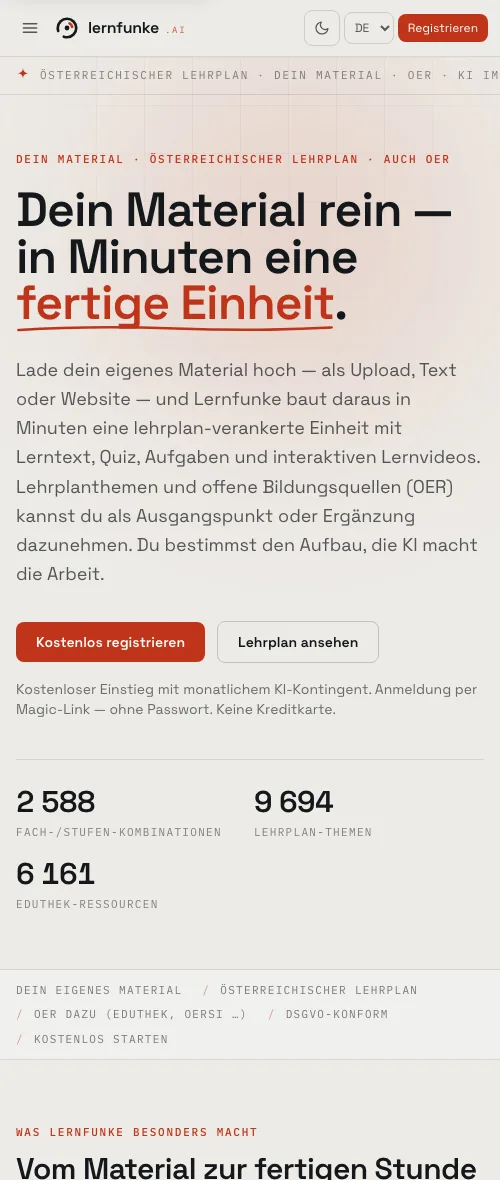
Upload your own material — as a file, as text or as a link. Out comes a curriculum-anchored unit with learning text, quiz, exercises and interactive videos.
Most tools for schools administer. What never comes out of them is Thursday’s worksheet.
Three outputs
Material, learning path, lesson plan.
Material
Learning text, quiz, exercises, video unit — the thing that ends up in a pupil’s hand.
Learning path
A diagnostic at the start, branches by level, a closing task. The class works through it at its own pace.
Lesson plan
The shape of a lesson with phases, social forms and material per phase.
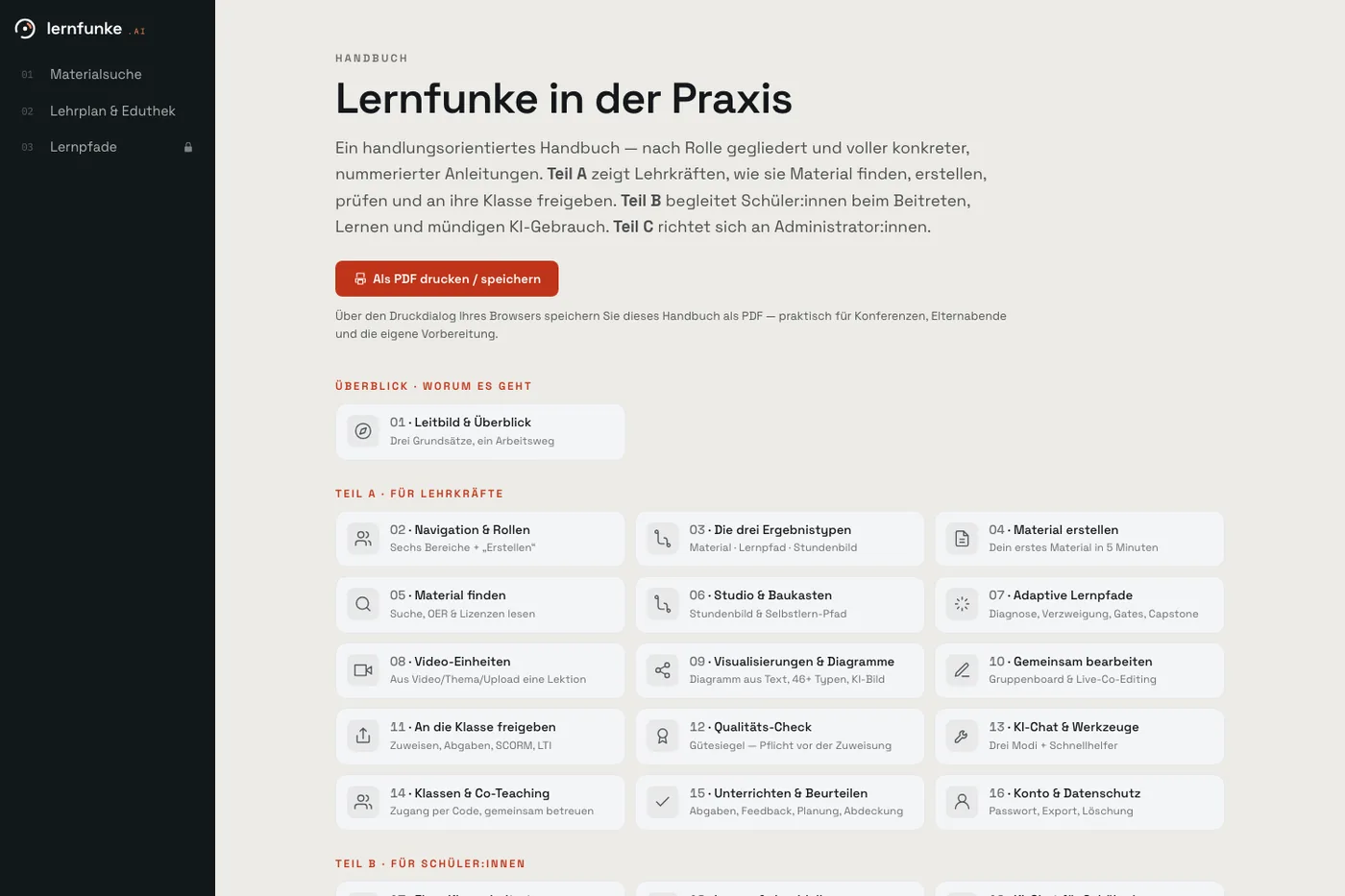
Alongside that: a kit for lesson plans, more than forty diagram types, a group board, a quality check before every assignment, and export as a SCORM or LTI package.
Where the material comes from
The curriculum and open sources.
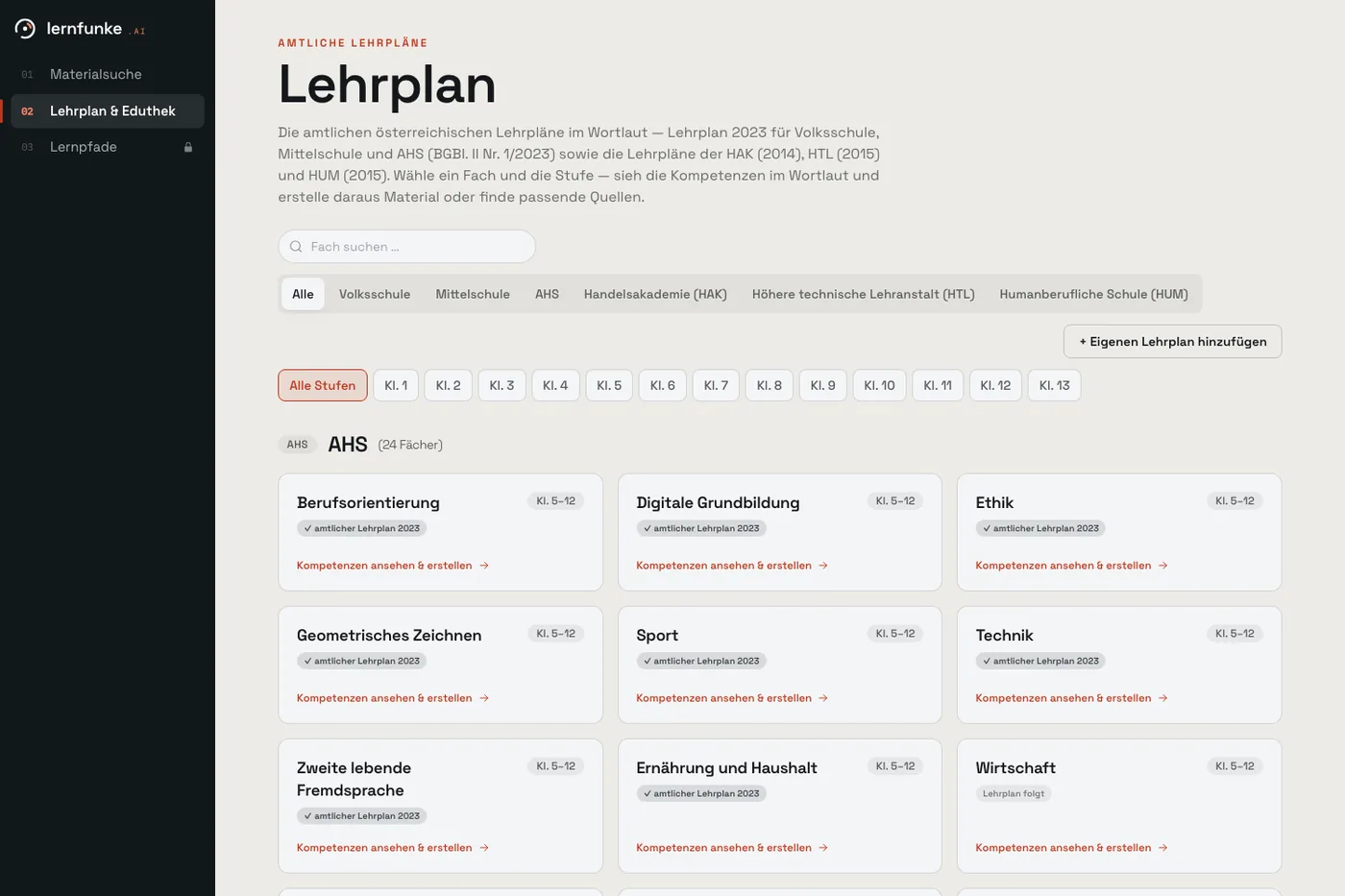
Search runs across the Austrian Eduthek, open educational resources and the official school-leaving exam papers — filtered by school type, year, subject and provider.
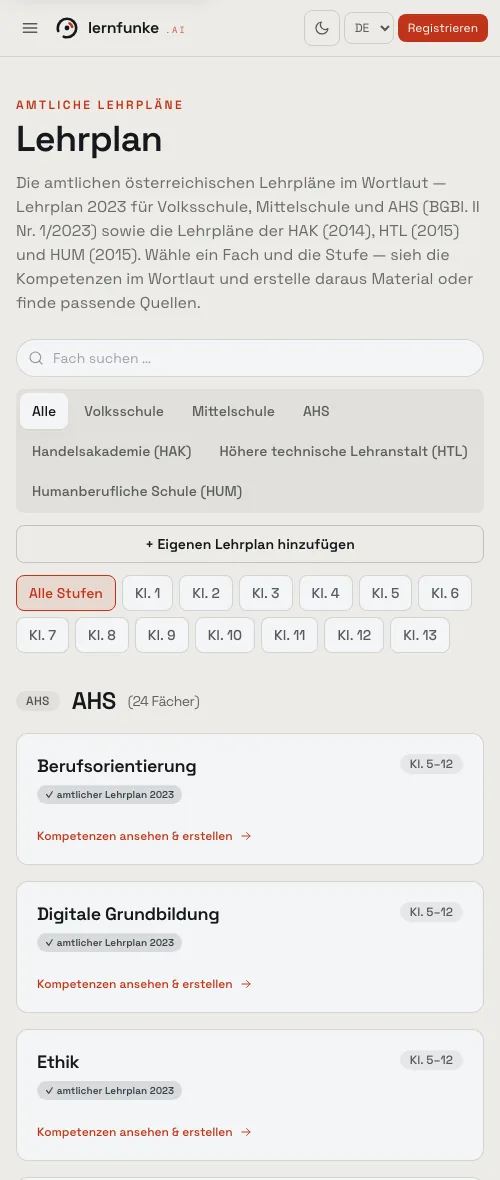
The 2023 curriculum is on file verbatim: primary, lower secondary and academic secondary schools, plus the commercial, technical and vocational upper secondary curricula, years one to thirteen. Schools running their own curriculum can add it.
Eduthek, OERSI, PhET, Serlo, Wikimedia Commons and the official question pool — searchable in one field.
Anchored to a curriculum point rather than a keyword. The reference is printed on the sheet.
Official standardised exam papers with worked video solutions, searchable by subject, competence and format.
Two boundaries
The source stays the source.
Eduthek and the original providers remain the rights holders. learn builds around them: search, structure, exercises, quiz. Every piece of material carries its licence and its origin link.
The second boundary: learn creates material and does not assess people — no forecasts, no personality profiles. That is fixed in the build, not a setting.
If you need machine-made assessments of individuals, learn is the wrong tool. We would rather say so now than in the impact assessment.
Next door
And in the classroom: school.
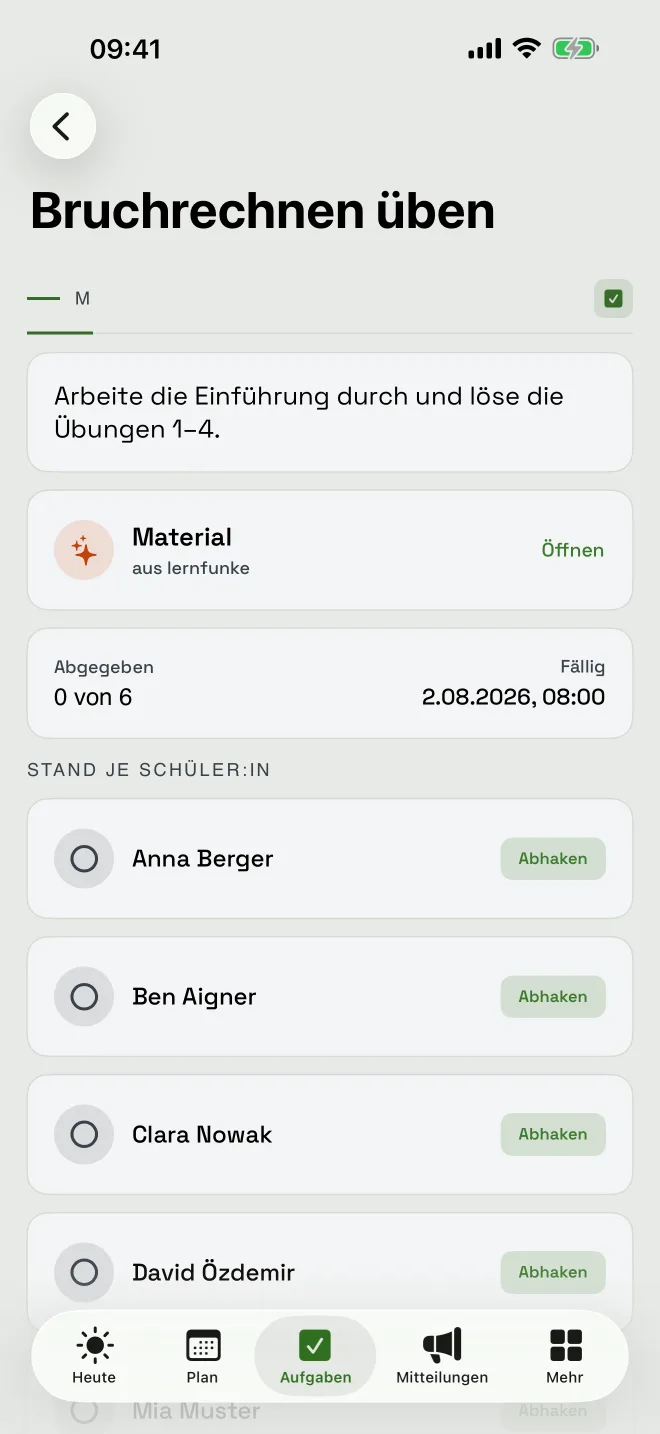
school is a separate application for the school day. Material from learn can be assigned to a class there — explicitly, never by default.
Common questions
From the staff room.
Can you tell the material was machine-made?
Less so the more of your own material you put in. You review and edit it anyway.
Can we get it into our learning platform?
Yes. Units export as a SCORM or LTI package and run in Moodle and comparable systems.
Are we allowed to use this in class?
For material the teacher creates, yes — that is your lesson preparation. Once pupils work with the system themselves, that runs over a separate European route.
What does it cost to start?
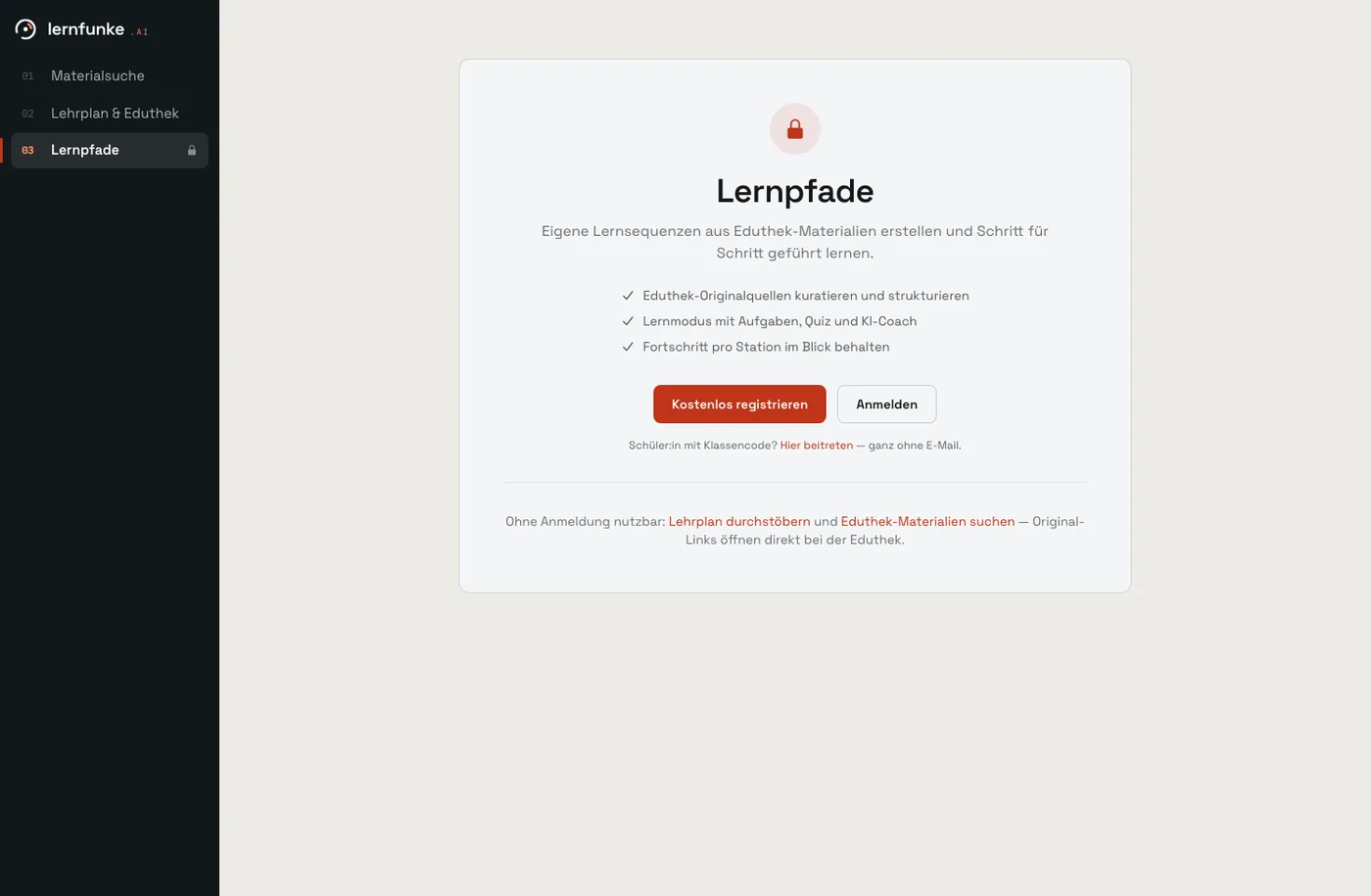
Starting is free, with a monthly allowance for the AI features. You sign in by emailed link, with no password and no credit card.